Navigation Tree / Navigate
Folders presented in the Navigation Tree depict the hierarchy in your dataset structure/Trees.
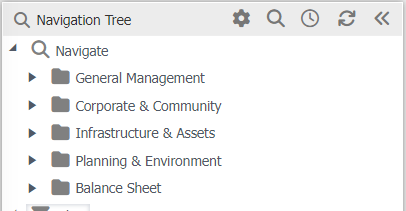
Clicking  will expand or collapse the selection under each folder. It will not affect the data being displayed in the data browser.
Double clicking will expand the folder selection and change the data in the Data Browser or Chart widget, as you have selected the data associated with those folders.
If you find you have expanded too many folders so they are all expanded to various levels, you can collapse them.
To collapse all expanded items
- Right click to display the dropdown to the right.
- Select collapse