Navigation Tree / Measures
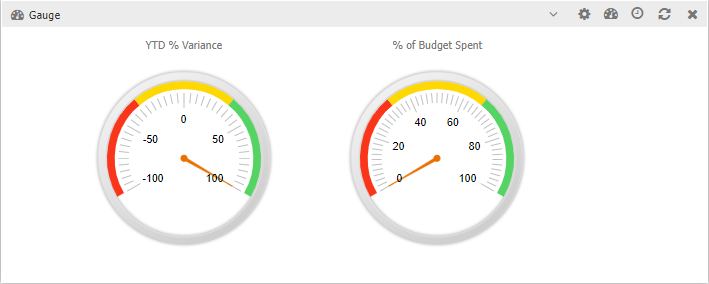
Used to monitor the status of various parts of the organisation.
Measures are known as gauges when adding widgets.
Alternatively, setting the folder tolerance in the navigation tree to easily identify which layer meets the variance.
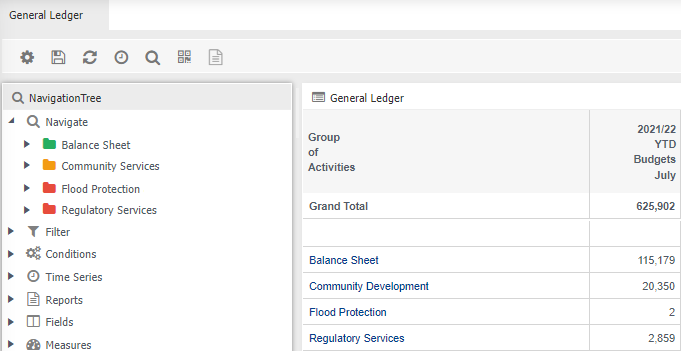
To add measures:
- Hover your mouse over the function tab, for example 'General Ledger'
- Click

- Choose Edit Mode
- Select

- Click gauge
With the widget now added, its time to customise it.
- Click
 to choose which gauge
 - Click
 to specify how you want the gauge to look