Navigation Tree / Conditions
Conditions are standard formulas which can be simple or complex to separate information within the Data Browser window. They are similiar to filters except they are applied to the data/layer you have displayed, where that condition is true. For example, you may wish to see all the variances in your data that are over 50%.
When a condition is selected, a  will appear on the condition. For example,
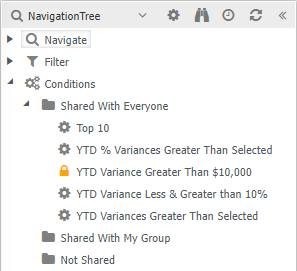
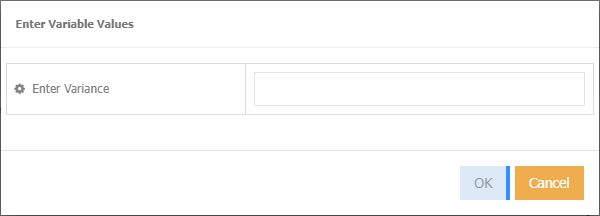
The condition name of YTD Variance greater than selected is customisable, meaning you will be prompted for a variance amount
To create your own conditions, requires administration access. Refer to Permissions - Conditions.