Edit Mode / Settings
Choose how the layout of your widgets will be presented.
This is primarily for visual purposes.
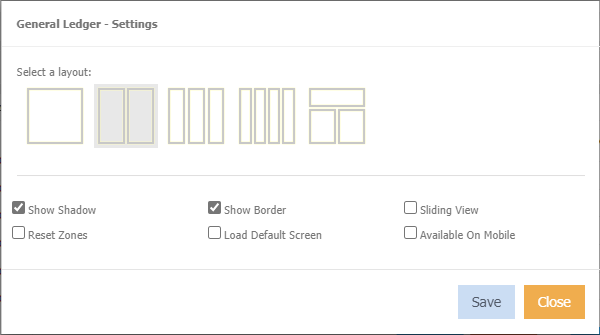
Select a Layout Choose how you want this widget displayed.
Show Shadow Tick to display a shadow around the widget.
Show Border Tick to display a border around the widget.
Sliding view Tick to display each widget on a separate "page".

Clicking a square will move to the next widget.
Reset Zones
Load Default Screen
Availble on Mobile