Financial Planning / Overview
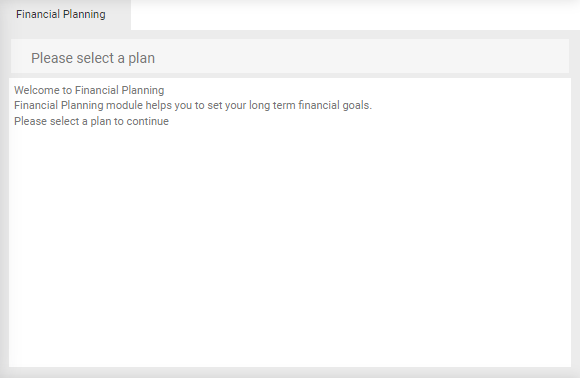
Financial Planning utilises 2 modules:
- Trees to provide the structure of the financial plan.
- Budget to provide the data entry values for either Capital budgets or Finance budgets.
With Financial Planning open, select the relevant plan. For example 'Long Term Plan':
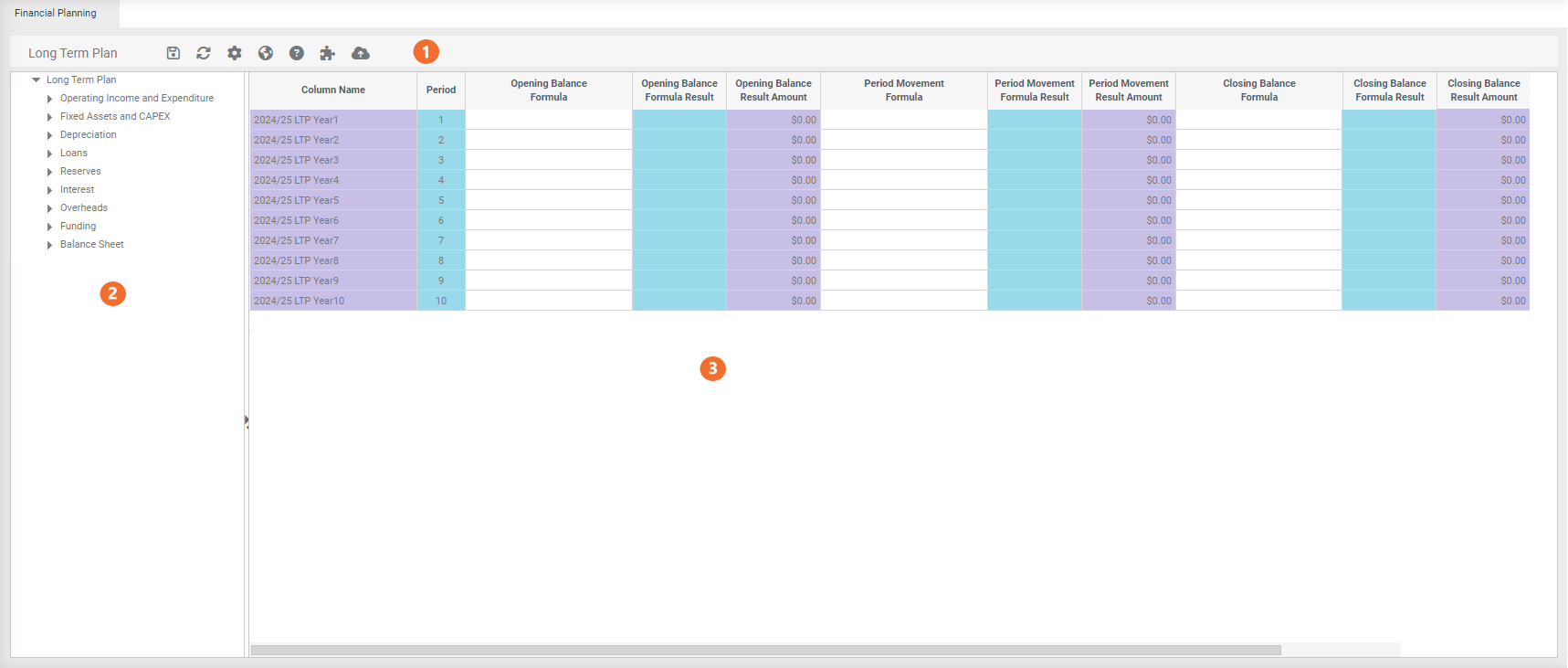
 Menu options
 Name of the plan selected.
 Save.
Save.
 Refresh.
 Plan Properties.


 Calculation Tree
This structure comes from Trees, therefore any changes made to the structure must be done in Trees.
Right click menu options
-
Toggle - displays the below options next to each tree layer. Multiple options can be selected.
-
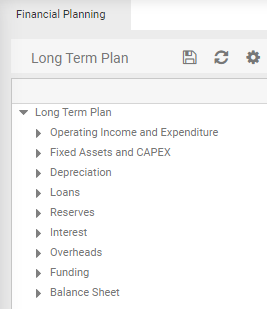
Header - Never Used. Displays a grey line above the first line of 'Long Term Plan'. For example:
-
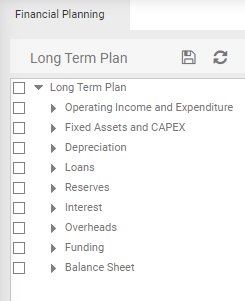
Check Box - display check boxes next to each layer for publishing. For example:
-
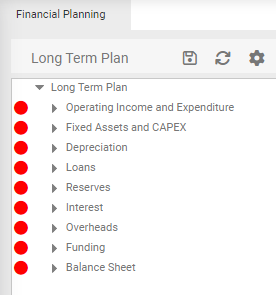
Workflow - displays a coloured dot next to the layers. For example:
-
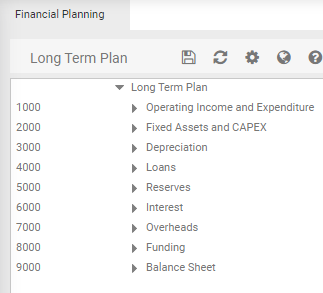
Codes - Display the account codes. For example:
-
-
Workflow - Identify which items have 'Not Started', 'Started' or 'Completed'.
 Business Rules
Business Rules are the formulas/calculations used to apply period movements for percentage allocations, inflation etc for future year planning.
They are written at the top level of the calculation tree and filter through all codes mapped underneath to save having to rules for every account code.