Data Browser / Widget - Transactions
Display the transactions attached to the lowest layer (generally) of your data.
Right click menu options
Export to Excel - Export the transactions to excel.
Periodicity - select either 'Year to date' or 'current period' to display those transactions.
Filters - select a single value from the data in that column. Alternatively, choose More.. to select multiple dates. Or, Clear Filters to clear the selected filters.
Configure -
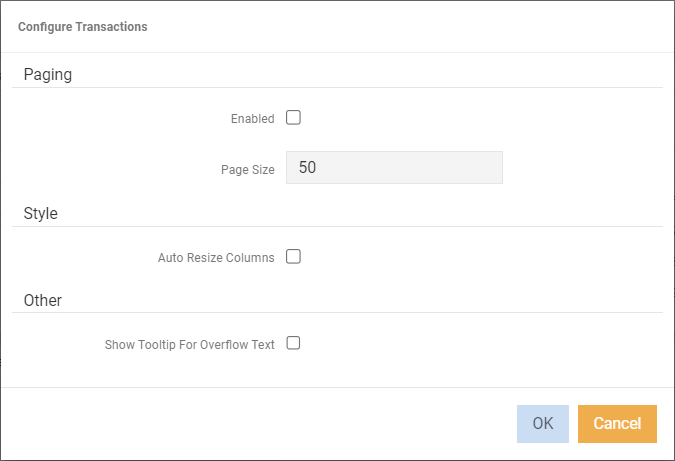
Paging - turn on if you have a large amount of transactions.
Style - Auto Resize columns.
Other - Show Tooltip for Overflow text.
To apply a filter
- Right click on a column heading
- Select Filters
- Select from the available data in that column.
Alternatively,
- Select Filters > More... to select multiple values.