Dashboard / Widget - Links
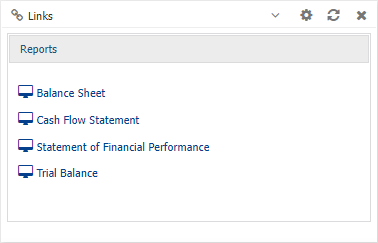
Links can be added to a dashboards to enable users to easily open Alerts, Dashboard, Data Browser window, Data\Budget Entry window, Saved Reports/Screen. without having to login to a Dataset.
For example:
Widget button - Configure
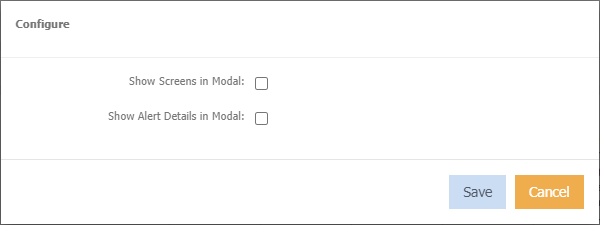
Show Screen in Modal
Clicking the link will open in a popup.
Show Alert Details in Modal
Only applies if there are links to alerts. Clicking the alert name will display the details in a popup.
To add a link
- Right click in the widget window.
- Choose Links > Maintain
- Select which links you want visibility on.
Viewing Links
Click the Link name and the window will change to reveal information that the Link is referring to.
Click  to go back to your list of links.