Data Browser / Comments
Note
For comments to be visible you need to select show comments in configure.
A comment can be attached to a layer offering explanation or information.
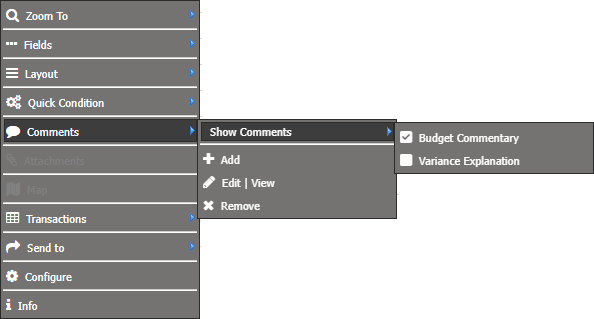
Show Comments
Select which comment type (for example, Budget Commentary/Variance Explanation) to add and/or display. A tick will show which comment you will be adding, viewing or deleting.
Note
Display of the budget commentary comments within the data browswer, a field must be created with the field construction of COMMENTS~Budget Commentary
Add
Create a comment.
-
Right click on a layer or cell
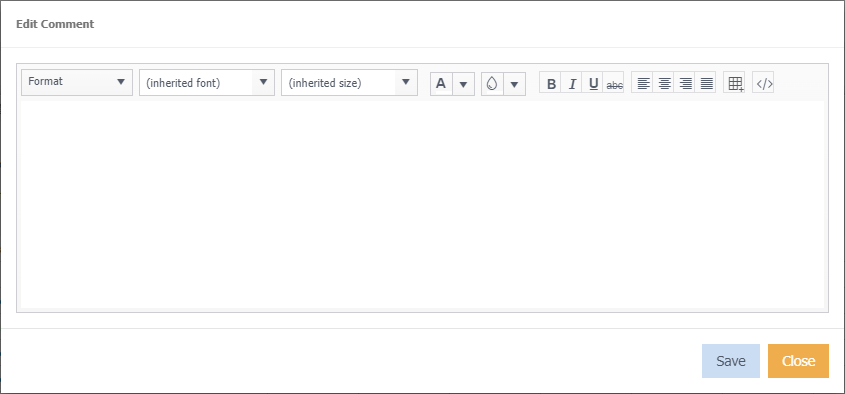
The following window appears where you can type your comment and have similar functions as WordPad
-
Click Save.
A
 next to the layer name indicates that a comment exists.
Edit | View
Edit or view an existing comment.
Remove
Delete/ Remove the comment.