Data Browser / Attachments
Note
For attachments to be visible you need to select show attachments in configure.
A document can be assigned to a layer or budget line item offering an explanation or information to the reader. For example, a copy of an invoice or an attachment describing the YTD Variance.
Attachments are saved per dataset meaning an attachment in the budget will not filter through to General Ledger and vice versa. Budget attachments are budget specific not journal specific.
- Right click on a layer or budget line item.
- Select Attachments
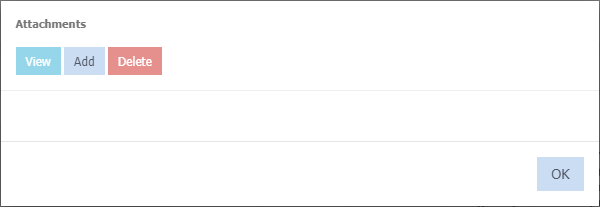
Add
- Select a document from your network drive or local PC.
- Click Ok.
A  will display next to the layer name or budget line item to identify if attachments exist.
View
- Click the document name or tick the box next to the document name.
- Select View. (The document will download)
Delete
- Click the document name or tick the box next to the document name.
- Select Delete
- Click Ok to confirm deletion.
Amendments / changes to documents
Any amendments/changes need to be re added as a new attachment. Ensure you delete the old attachment first.