Sending Content to a Dashboard
To send content to a new Dashboard, you first need to reload the page so that Performance recognises the dashboard you have created.
The dashboard should be set up so that you do not need to make any alterations, therefore the navigation tree/window will not work here. This is due to reports coming from different data connectors due and different structures of the data connectors.
To send to your dashboard
- Right click on the content/widget.
- Select Send to > Dashboard.
- Choose the Dashboard name you want to send the content to.
-
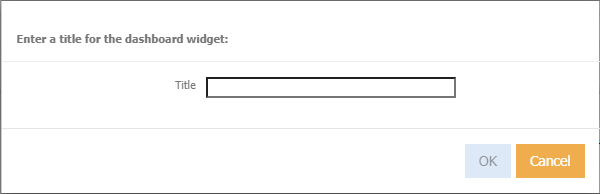
You will then be asked to name your new dashboard widget.
Note
This can always be updated later in the manage widgets window in your dashboard.
-
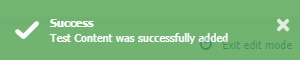
When successful, you will be presented with the following alert.
-
Refresh your browser to see the result.