Dashboards / Centralised Filter
Ability to apply filters to multiple widgets.
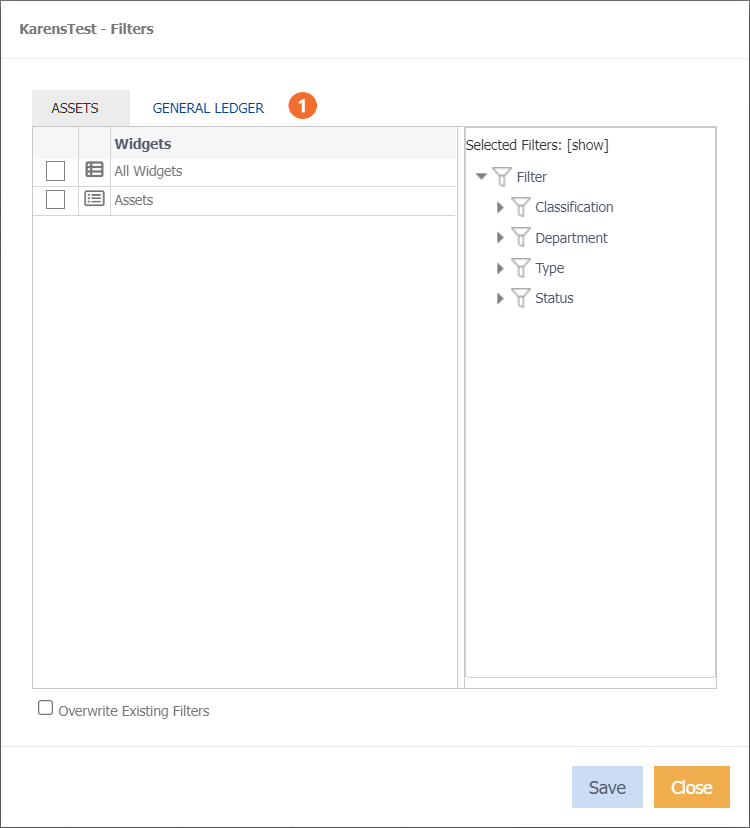
 Dataset tab names will display.
- Select the relevant dataset.
- Tick 'All widgets' or select individual widgets.
- Select your filters on the right hand side.
- (Optional) tick ‘Overwrite Existing filter’, to overwrite the filters already applied to the widgets selected. Otherwise, the selected filters will be appended to the each widgets existing filters.