Modeller / Budget Restore
The ability to backup a Budget Name. Creating a budget restore point which is ideal before running a Budget Model.
 refresh screen.

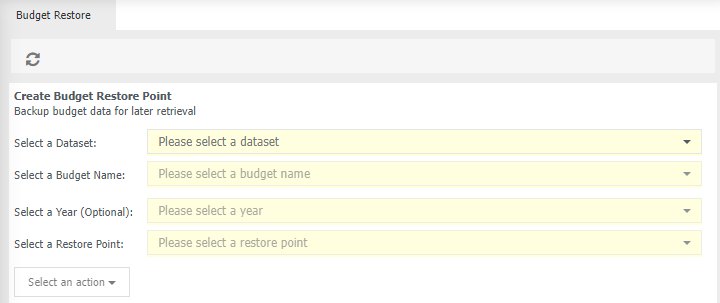
Create Budget Restore Point
Select a Dataset - choose the relevant dataset which contains your budget, for exmaple General Ledger
Select a Budget Name - select the name of your budget.
Select a Year (optional) - choose which year of the budget you wish to export.
Select a Restore Point - choose which budget to roll back to.
Select an action - choose from:
Create a Restore Point - only option available if no restore point is availble.
Delete a restore point - delete a backup (restore point).
Restore Data - restore data from a backup (restore point).
Create a budget restore point
- Select a Dataset.
- Select a Budget Name.
- Click Select and action.