Administration / Favourites
The ability to set a function (eg General Ledger, Payroll, etc) as a favourite, which means when Performance opens it will automatically have those functions displayed as tabs.
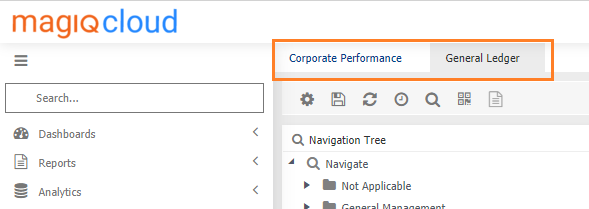
Setting / Defining Favourites
There are two ways favourites can be set
-
The individual user
- Hover your mouse over the tab
- Click

- Click
 add to favourites.
-
Defined Globally
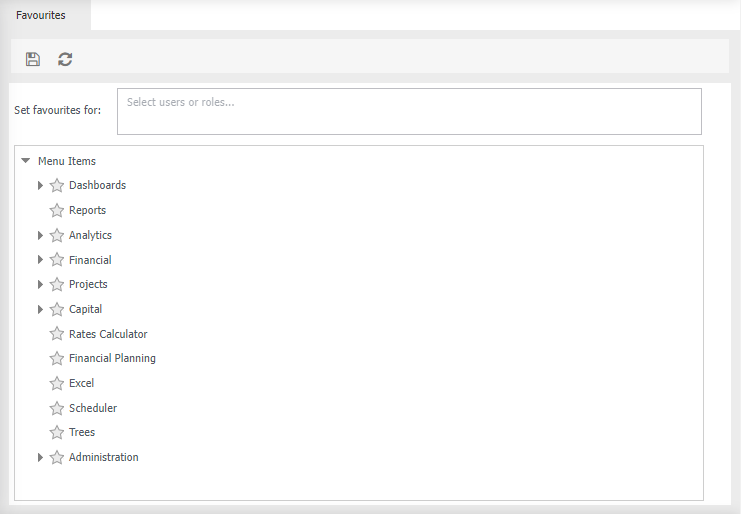
- Set favourites for - select the user(s) or role
- Navigate through the structure, click
 so it turns
  .
. -
Click
 to save
 -
A
 indicate that a favourite has been specified within the function.